
Users and user roles
How do I invite a new user?
To add a new user to Curia:
- Click on your organisation profile icon.
- Click on "Manage".
- Click on "Members" in the left menu of the pop-up window.
- Click "Invite"
- Enter the new user's email address and select the Role from the dropdown list.
- Click "Send invitations"
- The invited user will receive an email with steps to complete the invite process.
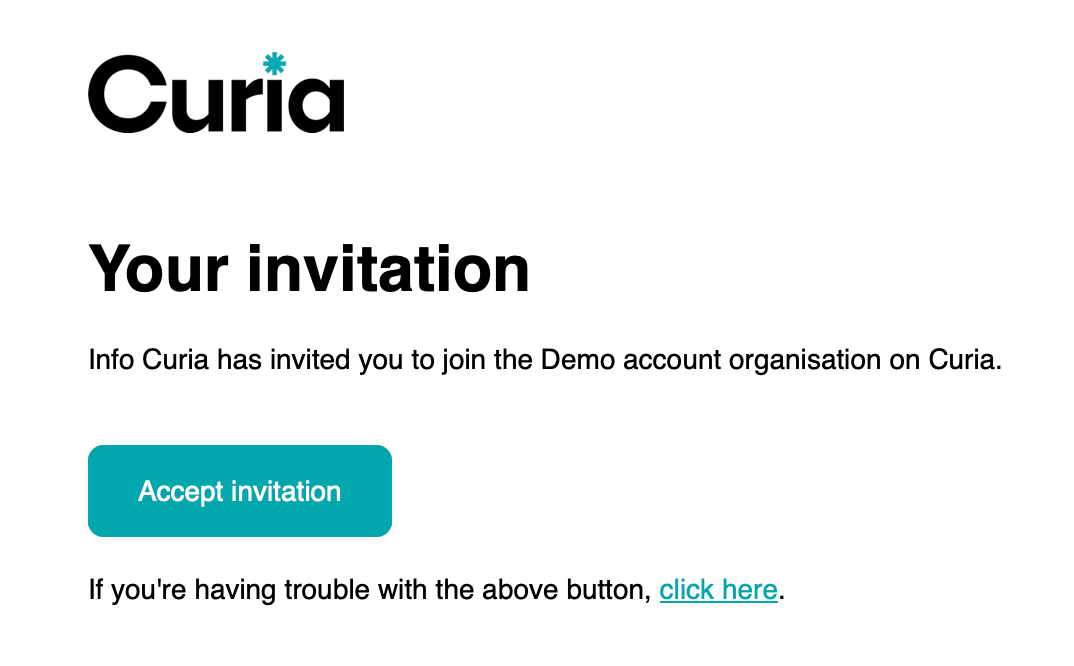
Walkthrough of the invitation process
How do I revoke an invitation?
If you no longer want an invited user to have access you can revoke their invitation.
- Click on your organisation profile icon.
- Click on "Manage".
- Click on "Members" in the left menu of the pop-up window.
- Click "Invitations"
- Click the "..." icon beside the invited user's name.
- Click "Revoke invitation"
How do I change a user's roles?
To edit an existing user's details:
- Click on your organisation profile icon.
- Click on "Manage".
- Click on "Members" in the left menu of the pop-up window.
- Update the "Role" dropdown for the desired user.
- The change is made immediately.
How do I remove a user?
- Click on your organisation profile icon.
- Click on "Manage".
- Click on "Members" in the left menu of the pop-up window.
- Click the "..." icon beside the invited user's name.
- Select "Remove member".
- The change is made immediately.
What are the available user roles?
Curia offers four user roles:
- Owner
- Admin
- Conveyancer
- Reception
Each user added to the account must have at least one role assigned to them.
How do user roles differ in their access levels?
Each role has specific access permissions within Curia. Here's what each role can access:
What can an Owner do?
The Owner role has full access to all Curia features:
- Dashboard and reporting
- Documents: view, add, and review
- Reports and Report Workload
- All Settings: Fields, Library, Users
- Billing and subscription management
What can an Admin do?
The Admin role has access to most features except billing:
- Dashboard and reporting
- Documents: view, add, and review
- Reports and Report Workload
- Settings: Fields, Library, Users
What can a Conveyancer do?
The Conveyancer role focuses on document review:
- Documents: view, add, and review
What can Reception do?
The Reception role handles document intake:
- Documents: view and add only
How do I request a role change?
If you need to change your role or upgrade your access level, contact your account manager. They can action the change for you.
Can the Owner's role be changed?
The account owner's access level cannot be changed. If you need to change the account owner, contact Curia Support for assistance.
FAQ
How many users can I add to my account?
There is no limit to the number of users that can be added to your account. Invite your entire team.
Can a user have multiple roles?
No, each user has only one role. Their role determines their access level within Curia.
What happens when I remove a user?
Removed users lose access immediately. Their completed Reviews remain in the system but they can no longer access the account.